Manage Teams with Department and Job Tracking
Organize employee time by assigning departments and job codes. Whether you’re running multiple teams or managing complex projects, TimeClick helps you stay organized and delegate responsibilities with confidence.


Track Projects with Job Codes
Large projects become manageable when you can track every hour spent. Create job tracking codes, assign them to employees, and require clock-in by job to see exactly where time is going.
Try TimeClick’s team tools freeCreate Unlimited Departments
Create as many departments as your team needs – whether you’re managing five employees or five hundred.
See job & department tools in action
Streamline Project Time Tracking
No Credit Card Required. Fully Functional For 14 Days.
Start Your Free Trial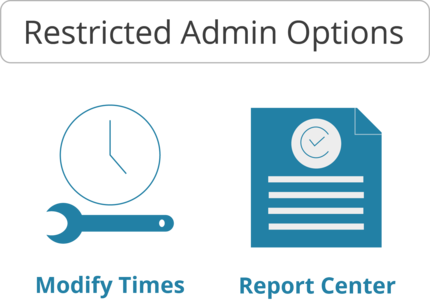
Delegate Responsibility with Confidence
Don’t do it all yourself. Assign restricted admin rights to department heads so they can handle time approvals, run reports, and more – without full access.
Try TimeClick and simplify team managementSimple Clock In by Department or Job
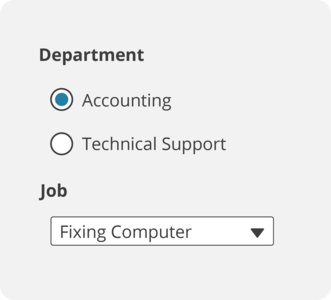
Employees simply select their department and job code during clock-in. You’ll know exactly who’s working on what – no guesswork required.
Start your free trial and track smarter