
TimeClick Pricing: Pay Once per Device
Every license includes unlimited employees and lifetime ownership. Choose how many computers and phones will run TimeClick, pay one time, and it’s yours.
- No monthly fees
- Unlimited employees
- First year of TimeClick Unlimited free
Not ready to buy? Start a 14-day free trial, no credit card required.
How many devices will run TimeClick?
Count every computer and phone employees clock in on. Employees are unlimited.
- 1 computer, desktop only
- Unlimited employees
- Lifetime ownership
- 1 free year of TimeClick Unlimited
After the free year, TimeClick Unlimited renews at $149 a year for updates, support and the mobile app. The mobile app needs a 2-device license or larger.
Trusted by 8,000+ businesses, offices and stores









Compare All 11 Device Licenses
Each price is a one-time payment. The larger the license, the less you pay per device.
| License | One-time price | Price per device | TimeClick Unlimited after year one | Buy |
|---|---|---|---|---|
| 1 deviceDesktop only | $299 | $299 | $149 a year | Buy now the 1 device license |
| 2 devices | $499 | about $250 | $199 a year | Buy now the 2 device license |
| 3 devices | $599 | about $200 | $229 a year | Buy now the 3 device license |
| 5 devices | $749 | about $150 | $249 a year | Buy now the 5 device license |
| 10 devices | $999 | about $100 | $299 a year | Buy now the 10 device license |
| 15 devices | $1,249 | about $83 | $349 a year | Buy now the 15 device license |
| 20 devices | $1,499 | about $75 | $379 a year | Buy now the 20 device license |
| 25 devices | $1,749 | about $70 | $399 a year | Buy now the 25 device license |
| 35 devices | $1,999 | about $57 | $449 a year | Buy now the 35 device license |
| 50 devices | $2,349 | about $47 | $499 a year | Buy now the 50 device license |
| 51+ devices | Custom | Custom | Custom | Contact us about 51 or more devices |
Upgrade later by paying only the difference between licenses.
What Every TimeClick License Includes
Unlimited Employees
Add as many employees as you need at no extra cost. You only pay for devices.
Lifetime License
Pay once and the software is yours. No monthly or per-user fees.
1 Free Year of TimeClick Unlimited
New versions, unlimited US-based support and the mobile app for your first year.
Data on Your Own Server
Time records stay on your office computer, not in someone else’s cloud.
How TimeClick Device Licenses Work
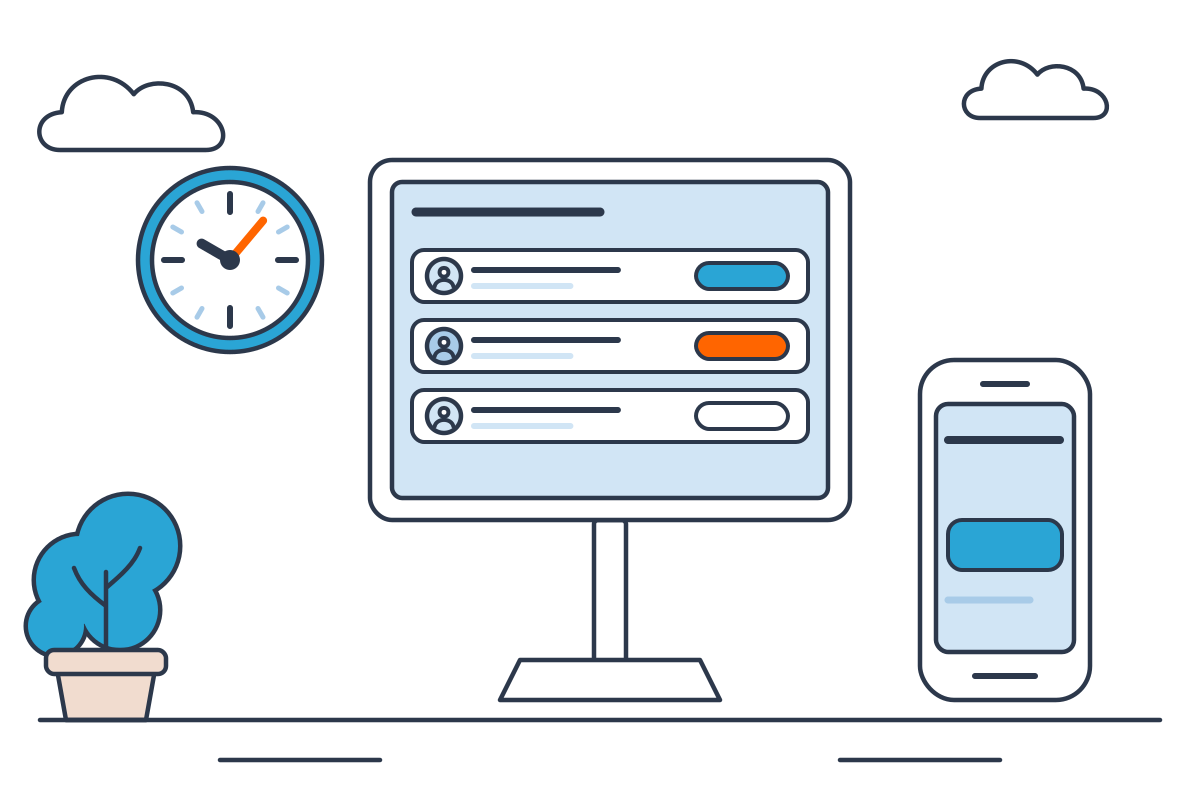
You pay for devices, not people. Your office computer is the server, and every other computer or phone that connects to it is a client. Here is how to count them.
- 1
Your first device is the server
The first device must be a computer. It stores all your time data on site, so only you can see it.
- 2
Every other device is a client
Each computer or phone that connects to the server is a client. Phones use the TimeClick mobile app for iPhone and Android.
- 3
Pick a license that covers them all
Count the server plus every client. A 5-device license is 1 server and 4 clients.
A 3-employee accounting office buys the 3 Device License for $599
The office desktop is the server. A laptop and one phone that employees clock in on are the 2 clients.
What a Team of 25 Pays Over 5 Years
Per-user time clock apps charge every month, and the bill grows with every new hire. TimeClick charges once for the devices you use.

TimeClick Unlimited is included the first year. Renewing it after that is optional and costs $399 a year for 25 devices.
What Customers Say About TimeClick
 4.7 from 427 reviews
“Earlier I used to use another company’s software for the clocking in and out of my organization but since I have started using timeclick, the process has become much easier. Unlike the other company I dont need a specific VPN to access it, there is a mobile app in this application, you buy once and can use forever, the UI is much simpler, plainer and intuitive an there is constant customer support attached to it.”
“I like that fact that time click has always been accurate with me clicking in I’ve never missed a punch to work and it’s easy to readjust times when your colleagues are running late definitely recommend to any start up business such as myself”
“TimeClick was a great solution for keeping track of employee hours when I was in charge of a small team at a separate production facility from the rest of the company. I loved the clear formatting of the PDF reports that I could send to our controller for processing of the hours…”
“[Pros:] The ease of use. The newest version makes every task so easy. The user interface is very well thought out. It is extremely user friendly. It has everything covered! TimeClick has really done an unbelievable job with this software! Very happy! Great software at a fair price!”
“Very responsive customer support. Very easy and stable product. Great value for the price.”
TimeClick Pricing FAQ
Questions about which license to buy? Call (435) 753-4102 ext. 2 or use the chat button.
Call (435) 753-4102
Which TimeClick license is right for my company?
Count every computer and phone employees will clock in on, including the office computer that acts as the server. Not sure? Live chat or call (435) 753-4102 ext. 2 and we will help you choose.
How many employees can I track?
Unlimited employees. You only pay for each device that you install TimeClick on.
What is the difference between a 1-device license and a multi-device license?
A 1-device license runs TimeClick on one computer only, with no other workstations and no phones. A multi-device license lets you connect more devices to your server. Every device, phones included, counts as one device.
How does TimeClick Unlimited work?
It gives you new versions of TimeClick, unlimited US-based support, the mobile app and location features (paid add-on). Your first year is free with any license. After that you can renew at a yearly rate.
How does the mobile app work?
Employees clock in and out from their phone or tablet, and every punch goes to your TimeClick server. You need TimeClick Unlimited and at least a 2-device license.
What if I have multiple offices?
Use the mobile app at each location, set up a VPN between offices, or use remote desktop software to reach the server.
Can I change my license later?
Yes. Upgrade any time by paying the difference. Contact us to change your license.
What happens after I purchase?
Your license activates right away, so you can start using TimeClick the same day.
Where can I manage my billing?
In TimeClick 21 and newer, go to Admin, then Account. For older versions, live chat or call (435) 753-4102 ext. 2.
What is your refund policy?
Not satisfied? Live chat or call our support team at (435) 753-4102 ext. 2 and we will make it right.
Try TimeClick Free Before You Buy
Download TimeClick, add your team and have everyone clocking in within 10 minutes. Buy a license when you are ready.